
Diagnose and Stop Content Decay: The 4 Signatures Every SEO Pro Needs
SERPView Team
SEO Analytics
Content decay analysis is the practice of tracking clicks, impressions, position, and CTR for individual pages over time to catch and diagnose organic traffic decline before it compounds. The single most useful first move is a per-URL diagnostic: pull a Google Search Console export, compare current performance to each page’s peak month, and classify the drop before you touch a single word on the page.
TL;DR:
- Most content decay involves a sustained drop in clicks and impressions over three to six months, not short-term seasonal or algorithm noise fluctuations.
- Technical issues like deindexing, broken tags, or migration errors often mimic decay and should be ruled out with index coverage and crawl checks first.
- Decay is caused by combined factors such as outdated data, competitor improvements, search intent shifts, internal cannibalization, or AI-driven zero-click results.
- Prioritizing pages for fixing should focus on those with high lost value, strong backlinks, and relevance to revenue, using a scoring method based on traffic decline and business impact.
- Automated tools like Serpview can extend historical data and help detect decay early through consolidated exports, trend analysis, and alerts, avoiding reliance on limited GSC data.
Table of Contents
- What Content Decay Analysis Reveals About a Declining Page
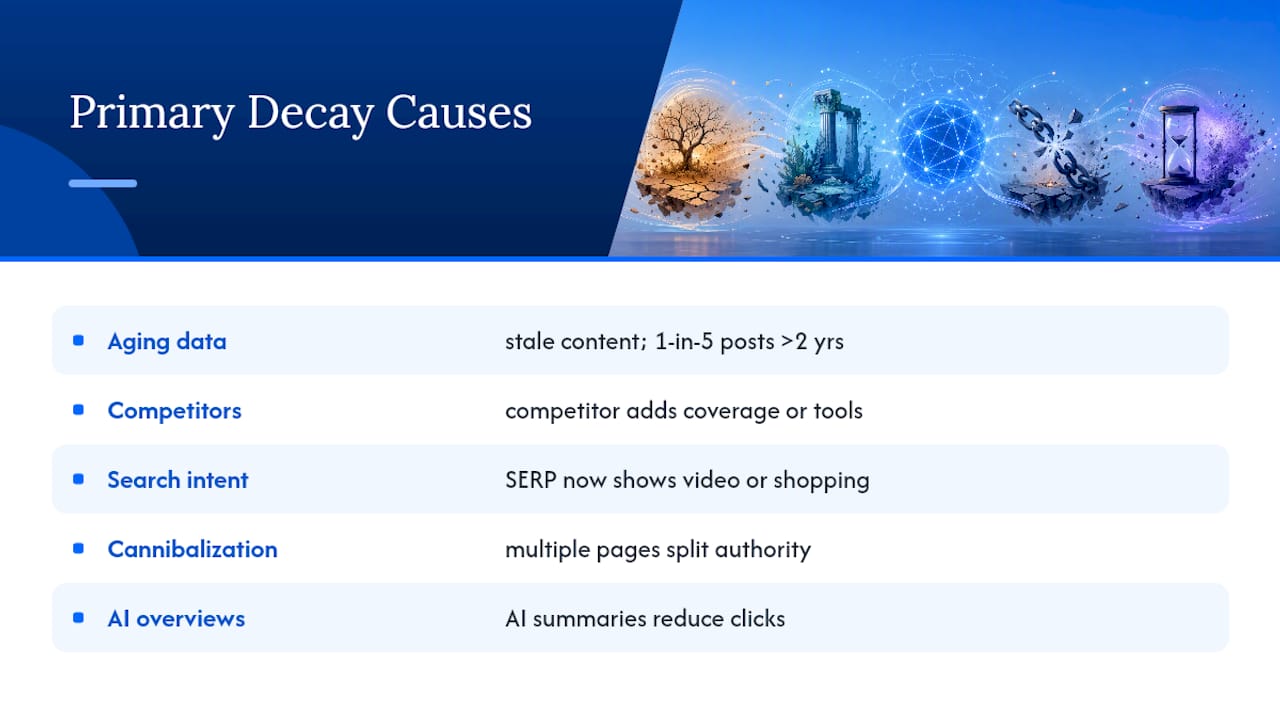
- Primary Causes of Content Decay
- Diagnostic Signatures: Classifying Decay From the Data
- Tools and Metrics for Content Decay Analysis
- Deciding to Update, Consolidate, Redirect, or Prune
- A Refresh Playbook Matched to the Decay Type
- Building a Monitoring System That Catches Decay Early
- Why This Diagnostic Approach Holds Up in Practice
- A Short Take on How Often to Rescue vs. Refresh
- Put This Framework to Work Without the Manual Exporting
- Sources
- FAQ
What Content Decay Analysis Reveals About a Declining Page
Content decay is a sustained, measurable drop in a page’s organic performance, not a one-week dip or a seasonal dent. You’re looking for clicks and impressions trending down over multiple consecutive months, often paired with a slipping average position or a CTR that no longer matches the ranking it holds.
That distinction matters because teams waste time chasing ghosts. A page that loses 40% of its clicks every December and recovers every February isn’t decaying, it’s seasonal. A page that drops in rankings for two weeks after a core update, then bounces back, isn’t decaying either, it’s algorithm noise. Real decay shows a consistent downward slope across a rolling three to six month window, and it shows up independently of your tracking tool’s quirks.
You also need to rule out technical causes before you call something decay. A deindexed URL, a broken canonical tag, or a migration gone wrong can mimic a decay pattern in your reports, but the fix is technical, not editorial. Check index coverage and crawl status before you assume the content itself is the problem.
The business cost of letting decay run unchecked compounds in ways that don’t show up in a single metric:
- Lost conversions from pages that used to be revenue drivers, now quietly producing a fraction of their past value
- Eroded topical authority, since Google increasingly weighs how well a domain covers a subject over time, not just at launch
- Weakened internal linking, because decaying pages that once passed authority to related content now pass less
- Wasted content investment, since the original research, design, and promotion spend never gets recovered
Left unaddressed, a handful of decaying pages can drag down an entire content cluster’s perceived authority, even when newer pages in that cluster are performing well.
Primary Causes of Content Decay
Decay rarely has one cause. Most declining pages show two or three overlapping problems, which is why treating every drop with the same fix (a date change and a paragraph rewrite) so often fails.
Aging data and freshness liabilities. Statistics, screenshots, and pricing tables go stale, and readers notice faster than most editors assume. A 2026 corpus scan found that one in five posts citing external data carried numbers two or more years out of date, which means the “last updated” date on a page often lies about how current the actual claims are.
Competitor improvement. Someone published a more thorough guide, added a calculator you don’t have, or built an interactive tool where you have static text. Google rewards coverage depth and format match, and if a competitor closes a gap you didn’t know existed, your rankings slide even though nothing on your page changed.
Search intent shifts. A query that used to satisfy informational searchers now returns video carousels, shopping packs, or product listings, because user behavior around that term evolved. Your well-written article can be technically excellent and still lose visibility because the SERP itself changed shape underneath it.
Internal cannibalization and structural issues. Two pages targeting the same query split authority and confuse Google about which one to rank, so both underperform compared to a single consolidated asset.
AI Overviews and zero-click capture. This is the newest and fastest-growing cause. Google’s own AI-generated summaries can answer a query directly in the results, and industry forecasts anticipate meaningful shifts in search volume dynamics tied to AI chatbots and virtual agents. Your position can stay flat while your clicks quietly disappear.
Pro Tip: Before diagnosing a cause, check whether the page’s query volume itself has dropped in Google Trends. A page can look like it’s decaying from competition when the real issue is that fewer people are searching the term at all.
Diagnostic Signatures: Classifying Decay From the Data
Every decaying page fits one of four patterns, and knowing which one you’re looking at determines whether a content refresh will actually work. SEO practitioners generally sort content decay into ranking decay, zero-click capture, intent drift, and demand decay, and refreshing content reliably fixes only the first category.
Run a period-over-period comparison (last 3 months vs. the prior 3) and a year-over-year comparison side by side. The combination tells you whether a drop is a trend or a blip, and whether it’s tracking with a known algorithm update window.
To confirm a diagnosis, don’t rely on GSC numbers alone. Search the query manually and look at what actually occupies the results page:
- If an AI Overview sits above your listing and answers the query directly, you’re likely looking at zero-click capture
- If video results, shopping carousels, or a different content format now dominate, that’s intent drift
- If Google Trends shows a real decline in search volume for the core term, that’s demand decay
- If none of the above applies and your position has genuinely slipped, that’s ranking decay, and it’s the one refresh work fixes best
Query-level exports matter here because page-level averages can hide the real signature. A page might hold steady on its primary keyword while bleeding clicks on a dozen secondary queries that quietly drove half its traffic.
Tools and Metrics for Content Decay Analysis
Google Search Console is where content decay analysis starts, but it’s not where it should end. The Performance report, filtered by page and by query, is your primary evidence source, and it’s worth exporting both regularly rather than relying on the dashboard view alone.
Here’s a workable sequence:
- Pull the page-level export for your target URL, then the query-level export for the same date range
- Store both in a canonical spreadsheet or database rather than re-checking the live dashboard each time
- Identify the peak month for clicks and impressions, and treat that as your baseline
- Calculate the percent change from peak to current for both metrics
- Cross-reference average position and CTR for the same window to spot the signature described above
GSC’s own limits work against you here. The UI caps exports at 1,000 rows and only retains 16 months of history, which means a page that started decaying 18 months ago has already lost part of its evidence trail by the time you notice. This is exactly the gap consolidated dashboards close: preserving longer historical exports across properties lets you see a decay trend GSC’s own interface would have already trimmed off.
If you’re comfortable scripting the analysis, pandas’ pct_change function is a straightforward way to compute rolling percent-change series once you’ve exported your data into a DataFrame. For teams without a data science habit, a spreadsheet with a simple (current - peak) / peak formula does the same job.
The metrics worth tracking on every page in your decay watchlist:
- Peak monthly clicks and the month it occurred
- Current monthly clicks
- Impressions trend over the same window
- Average position and CTR
- Referring domains or backlink count (a proxy for whether the page’s authority signal has changed)
- Conversion rate or goal completions, when available
Deciding to Update, Consolidate, Redirect, or Prune
Not every decaying page deserves a rescue. Prioritize by lost value, not by age or how much you personally like the page. A page that lost 200 clicks a month from a peak of 5,000 is a bigger opportunity than one that lost 200 clicks from a peak of 250, even though the raw number looks the same.
The core inputs to weigh for every candidate:
- Absolute traffic lost compared to peak, not just percentage decline
- Business relevance: does this page target a query connected to revenue, leads, or a core service?
- Backlink profile: pages with strong external links are worth fixing rather than removing
- Decay type from the diagnostic table above, since it tells you whether a refresh can even work
| Action | Best fit | Signal to look for |
|---|---|---|
| Update | Ranking decay with real information gaps | Competitors cover more ground; your data is outdated |
| Consolidate | Multiple thin pages competing for the same query | Cannibalization, split authority, overlapping intent |
| Redirect | A page with no unique value left, but with link equity | Backlinks worth preserving, no standalone reason to keep the URL |
| Prune | Demand decay or a page with no links and no traffic | Trends confirms falling search volume; nothing to salvage |
An effective update means genuine information gain, not a cosmetic date change. Swap out stale statistics, add sections competitors cover that you don’t, and rebuild internal links from newer, higher-authority pages back to the refreshed piece. A 2026 audit of published content found claim-level aging is often the real culprit hiding behind a page that “looks current” because someone edited the intro paragraph and left the outdated data untouched everywhere else.
Consolidation makes sense when two or three pages are quietly cannibalizing each other. Merge the strongest elements into one comprehensive page, and 301 redirect the others. Redirecting alone (without consolidation) fits pages that have real backlink equity but no reason to exist as standalone content anymore. Pruning fits pages where Trends data confirms the underlying demand has genuinely dried up.
Pro Tip: A simple priority score can be used for sprint planning, based on lost clicks and business relevance multipliers to identify high-impact pages. Sort your decay list by that score and work top to bottom, and you’ll recover most of your lost traffic from a small number of high-value fixes.
Build your first sprint from the top 10 to 20 scores, not the whole list. Prioritizing pages by lost value and business relevance rather than by publish date consistently produces better ROI on the hours your team spends refreshing.
A Refresh Playbook Matched to the Decay Type
Once you know which decay signature you’re dealing with, the fix looks different for each one.
-
For ranking decay: Run a topical gap analysis against the current top three results. List every subtopic, data point, and format element they cover that you don’t. Add original data if you have any, even something as simple as a small survey or an internal usage stat, since original numbers get cited and linked more often than recycled ones. Rebuild internal links from pages that have gained authority since your original publish date.
-
For zero-click capture: Cosmetic edits won’t move clicks back if an AI Overview is answering the query inline. Add assets that require an actual click: a calculator, a downloadable template, or an interactive tool that can’t be summarized in three lines of AI-generated text. Structure a section specifically to be quotable and citable, since that increases your odds of being the source an AI Overview links out to rather than absorbs entirely. A workflow tool like Sona can help you build these repeatable, citation-worthy assets faster than starting from scratch each time.
-
For intent drift: Check what format now dominates the SERP. If video results have taken over a query that used to favor articles, you may need to add an embedded video or, in some cases, split your content: keep a written version for one intent and build a separate asset for the other. Don’t fight the SERP’s preferred format if the data confirms a genuine shift in what searchers expect back.
-
For demand decay: Confirm with Trends data first. If the topic genuinely has less search interest than it did at launch, your best move is archiving low-value pages, consolidating survivors into a single evergreen resource, or reallocating the topic’s promotional budget to a channel outside organic search entirely. No amount of on-page rewriting fixes a market that’s moved on.
Pro Tip: Run a quick 30-minute audit before committing a full sprint to any single page. A fast pass through queries, SERP features, and Trends data tells you within the hour whether you’re looking at a rescue-worthy page or one better left to a redirect.
Building a Monitoring System That Catches Decay Early
Detection beats reaction. Most sites run a monthly decay check across their full content library, but if you’re managing a large portfolio, a subset of your highest-value pages deserves a weekly look instead.
Each cycle, export the same core data:
- GSC query and page-level CSVs for the trailing 90 days
- Google Analytics or GA4 sessions and conversion data for the same pages
- A quick backlink snapshot, since a sudden loss of referring domains often precedes or accompanies decay
Set clear alert triggers rather than eyeballing every row. Once flagged, route it into a triage sheet with columns for owner, diagnosed decay type, recommended action, and next review date, so nothing sits unclaimed for months.
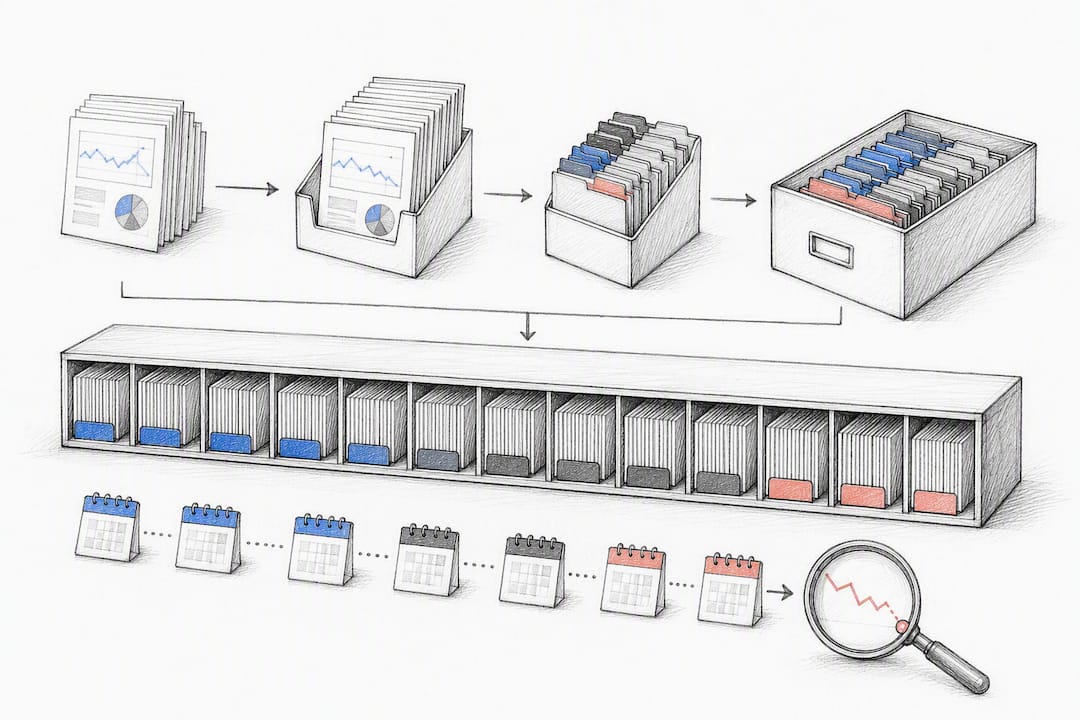
Relying solely on Google Search Console’s live dashboard risks missing slow, multi-year declines due to its rolling data window. Appending monthly exports to a canonical historical store rather than re-querying the dashboard each time is the difference between catching decay at month six and discovering it at month eighteen, after most of the damage is done.
Why This Diagnostic Approach Holds Up in Practice
The method described here isn’t theoretical. It’s built around the same constraints every SEO team runs into: GSC’s row limits, its 16-month window, and the reality that spreadsheets get messy fast once you’re tracking hundreds of URLs.
SERPView consolidates Search Console data across properties and supports exports well beyond the platform’s native 1,000-row cap, which matters directly for the peak-versus-current comparisons this whole framework depends on. The SERPView Content Decay Detector applies this same diagnostic logic automatically, scanning for the freshness and performance signals covered above.
A few things worth checking when you set this up in your own workspace:
- Confirm your historical export window covers at least one full peak cycle for your highest-value pages
- Segment by device and country before you diagnose, since a decay pattern can hide inside an aggregate number
- Cross-check flagged pages against actual SERP screenshots, not just the metrics table
This piece was reported and written by Utsav Chopra, applying the diagnostic framework above to real workspace data.
A Short Take on How Often to Rescue vs. Refresh
Detection-first beats blanket refresh policies almost every time. Teams that schedule a “refresh everything older than 12 months” sprint end up polishing pages that were never going to recover, while genuinely decaying pages with real ranking decay sit untouched because they didn’t happen to be old.
Balance small, continuous maintenance (fixing a stat here, adding a section there) with occasional deep-rescue sprints aimed at your highest-priority scores. Measure clicks and position 60 to 90 days after any fix. If a page doesn’t respond, the diagnosis was probably wrong, not the execution.
— Utsav Chopra
Put This Framework to Work Without the Manual Exporting
Serpview is the alternative to piecing together decay analysis from disconnected spreadsheets and GSC’s 1,000-row exports. It consolidates Search Console data across every property you manage, extends your usable history well past the native 16-month window, and runs the same peak-versus-current comparisons this article walks through automatically through the Content Decay Detector.

Instead of manually building a triage sheet, you get a shared dashboard your whole team can check on the same cadence, with query counting by ranking tier to see exactly where a page’s visibility is actually slipping. Custom annotations let you mark when a page was last updated, so the next time it dips, you can correlate the drop against a real timeline instead of guessing. A Google Search Console connection is all it takes to get your first decay scan running. Start a session on your own site’s data, and you’ll likely have your first ranked list of decay candidates within minutes.
Sources
- Some pages need a refresh. Others need a different strategy entirely. Here’s how to tell the difference using data you already have.
- The State of Content Decay 2026 Data Report
FAQ
What is content decay?
Content decay is a sustained decline in a page’s organic clicks, impressions, or ranking position over multiple months, distinct from short-term fluctuations caused by seasonality or algorithm noise.
How do I build my SEO around preventing content decay?
Set up a recurring export schedule from Google Search Console, establish a peak-month baseline for your top pages, and review percent change against that baseline monthly, escalating to weekly for your highest-value pages.
Is a 75 SEO score good?
A generic “SEO score” from a third-party tool matters far less than the actual trend in your clicks, impressions, and position for a given page; a page with a good SEO score but declining real traffic still needs a decay diagnosis.
What is the 80/20 rule in SEO?
Applied to content decay, it means a small share of your decaying pages, usually the ones with the highest historical traffic and business relevance, will return most of your recovered value if you prioritize fixing them first.
How do I tell decay apart from a temporary ranking drop?
Look for a consistent downward trend across three to six consecutive months rather than a short dip tied to a known algorithm update, and confirm the page isn’t affected by a technical issue like deindexing.
Recommended
Ready to unlock your full GSC potential?
SERPView helps you access all your Google Search Console data without limitations. Start your free trial today.
Get Started Free